
Nvidia's DLSS Runs on an AMD Graphics Card: How Does It Work Without Tensor Cores, and Is It Worth Using?
An unofficial tool called HelixSR runs Nvidia's DLSS upscaling model on AMD cards. In PC Gamer's test, the image was slightly sharper but average frame rates dropped. Who is it really for, and what should you know before trying it?
First, a quick refresher
DLSS is Nvidia's image upscaling technology. A game is rendered at a lower resolution, and an AI model then reconstructs the image at a higher resolution. This can deliver image quality close to a higher-resolution render while increasing frame rates. AMD's equivalent is FSR, while Intel offers XeSS. We explain how these technologies work and what the “Quality,” “Balanced,” and “Performance” settings mean in our image upscaling guide.
One reason DLSS has been limited to Nvidia graphics cards is that they contain dedicated AI-processing hardware known as Tensor Cores. AMD cards don't have Nvidia's Tensor Cores.
What does HelixSR do?
HelixSR uses a clever trick. According to PC Gamer's testing, the tool makes supported games think they're still using AMD's FSR 3.1, while the actual upscaling is handled by a model from Nvidia's DLSS 3.7.
How can that work on a GPU without Tensor Cores? The answer is straightforward: the calculations run on the graphics card's standard processing units instead. It's not as efficient as running them on Nvidia's dedicated hardware, but it can be done.
There's an important distinction here: HelixSR runs DLSS's image upscaling model. That doesn't mean every DLSS feature, including Nvidia's frame generation, has been brought to AMD graphics cards. The tool's own experimental frame generation feature has also been temporarily removed from the latest version.
Installing HelixSR is fairly simple, too. It can be set up using a script or through the HelixSR Desktop application included with version 1.9.3, released on October 16. The application can find compatible games and install the tool in the games you select. When you uninstall it, the modified game files are restored.
Does it actually make a difference?
PC Gamer tested the tool on AMD's RX 9070 XT, a recent graphics card, using Cyberpunk 2077 and Alan Wake 2 at 1440p with high settings.
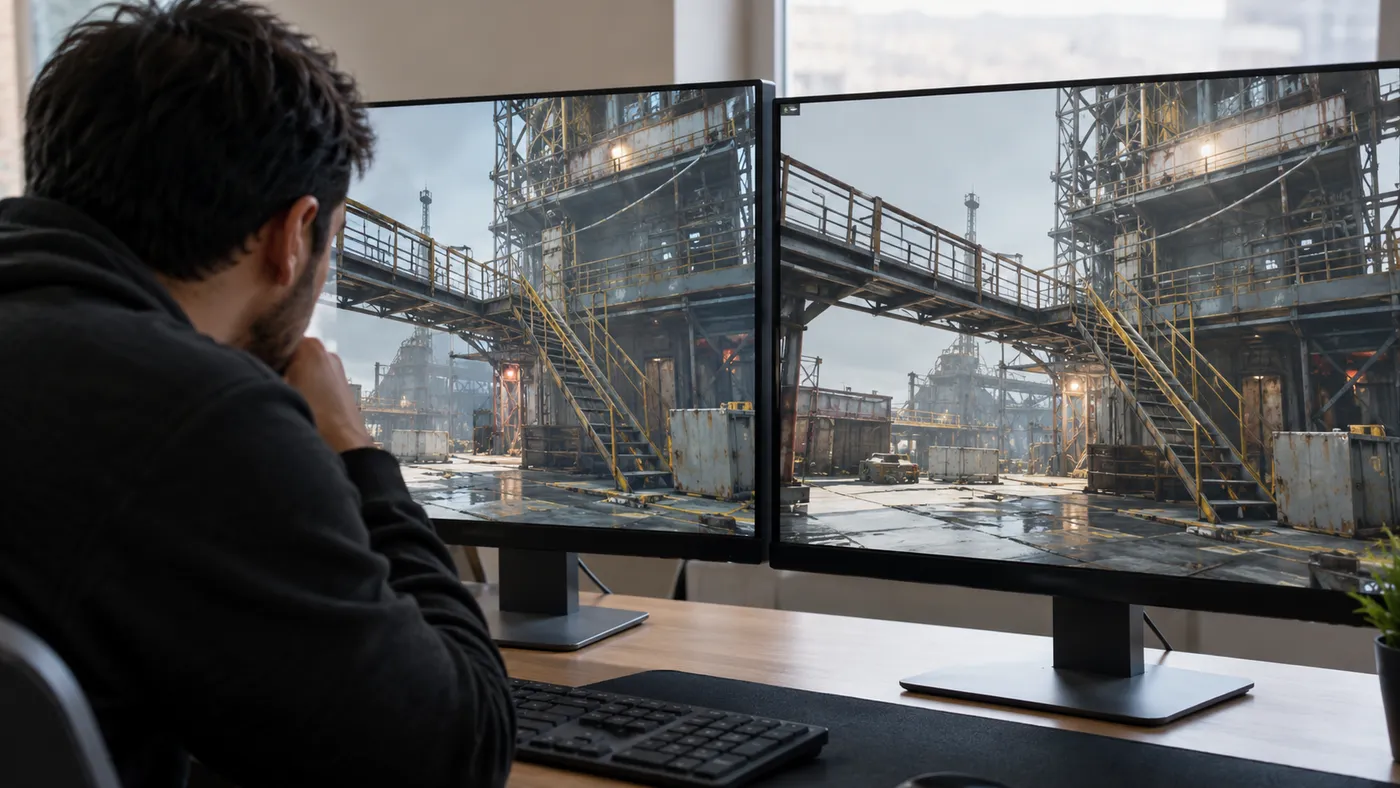
Image quality: The difference isn't “night and day,” as PC Gamer puts it. DLSS produces a slightly sharper image, especially around thin, straight edges in the distance, such as metal stairs and scaffolding. In scenes without those details, the difference is much harder to notice.
Performance: DLSS reduces average frame rates in both games tested. The impact is relatively small in Cyberpunk 2077, but reaches around 8–10% in Alan Wake 2:
| Game and setting | FSR 3.1 (average / 1% low) | DLSS 3.7 (average / 1% low) |
|---|---|---|
| Cyberpunk 2077, Quality | 190 / 150 FPS | 189 / 157 FPS |
| Cyberpunk 2077, Performance | 208 / 165 FPS | 198 / 160 FPS |
| Alan Wake 2, Quality | 164 / 65 FPS | 151 / 77 FPS |
| Alan Wake 2, Performance | 189 / 59 FPS | 171 / 77 FPS |
The interesting numbers in this table are the “1% low” results for Alan Wake 2. This metric helps reveal frame-rate drops during the most demanding moments. Although DLSS lowers the average frame rate in Alan Wake 2, it outperforms FSR during those slower moments. That could mean fewer noticeable stutters in some games, but a single test isn't enough to conclude that the same result will hold across every game and graphics card.
Who is this tool for?
That's the real question. Recent AMD graphics cards such as the RX 9070 XT used in PC Gamer's test already support AMD's newer AI-based upscaling technology, FSR 4. For their owners, HelixSR offers relatively limited benefits.
The tool is mainly aimed at older AMD cards that cannot use FSR 4: the RX 5000 and RX 6000 series. These cards currently lack official access to AMD's FSR 4-based AI upscaling, and HelixSR gives their owners another image-quality option. According to AMD, support for the RX 6000 series is planned for 2027. There's one caveat, though: on an older, less powerful GPU, the extra workload from DLSS calculations could cause a greater performance drop than on the high-end card used in the test.
What you should know before trying it
If you want to give HelixSR a try, there are a few things worth keeping in mind:

- It's not an official tool. Neither Nvidia nor AMD supports HelixSR. It may cause unexpected bugs or crashes in games.
- Avoid using it in online games. The tool modifies game files. In online games with anti-cheat systems, changes like these could result in your account being flagged. Sticking to single-player games is the safer choice.
- Download it only from the project's official source. The official home of HelixSR is its GitHub page. Fake or malicious copies of popular tools like this can quickly appear online.
- You can undo the changes. If you're unhappy with the results, the tool's uninstall option can restore your games to their previous state.
HelixSR doesn't promise a miraculous performance boost. What it does demonstrate is something else: an AI upscaling model designed for Nvidia's Tensor Cores can also run on other graphics cards. That doesn't mean it delivers the same performance or unlocks every DLSS feature, but it shows that the boundaries around a technology long associated with a single GPU brand may not be as rigid as they once seemed. If you're still gaming on an older AMD card, it could be an interesting experiment worth a few minutes of your time.