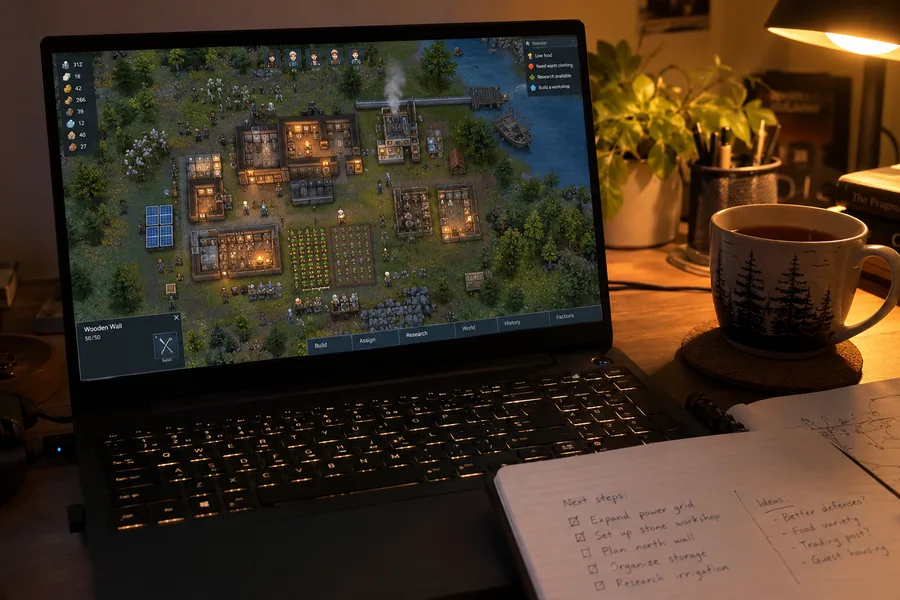

Factorio 2.1 Is Out: What's in Its Final Major Update, and Will Your Factory Be Affected?
Wube released Factorio 2.1, the game's final major update, on October 23. Mixed-cargo rockets, Space Age without Quality, circuit-network upgrades and what to know about your saves before updating.
What is Factorio 2.1?
Released exactly two years after the Space Age expansion, Factorio 2.1 spent the summer in experimental testing. Wube describes it as a substantial collection of quality-of-life improvements, smaller features, polish, and changes the team couldn't finish in time for 2.0. According to the studio's plan announced in May, the game will now move into long-term support. That means bug fixes and compatibility updates are more likely than major new gameplay features.
To mark the occasion, Wube also refreshed Factorio's classic trailer one last time.
Before you update: Four things to know
These warnings come directly from Wube's announcement and are arguably the most important part of the release:
- Your old saves will load, but some automation may stop working. Games started in 2.0 can be opened in 2.1. However, changes such as the separation of circuit-network inputs and outputs may cause existing factory setups to behave differently than expected.
- There's no direct downgrade path. Once saves and blueprints have been upgraded to 2.1, they cannot be converted back to the 2.0 format. If you keep backups made before updating, though, you can return to 2.0 and continue with your old factory.
- Back up your files. Wube recommends making copies of any saves and blueprints you care about before updating.
- Check your mods. Most popular mods were updated during the experimental period, but some of the ones you depend on may not be ready for 2.1 yet.
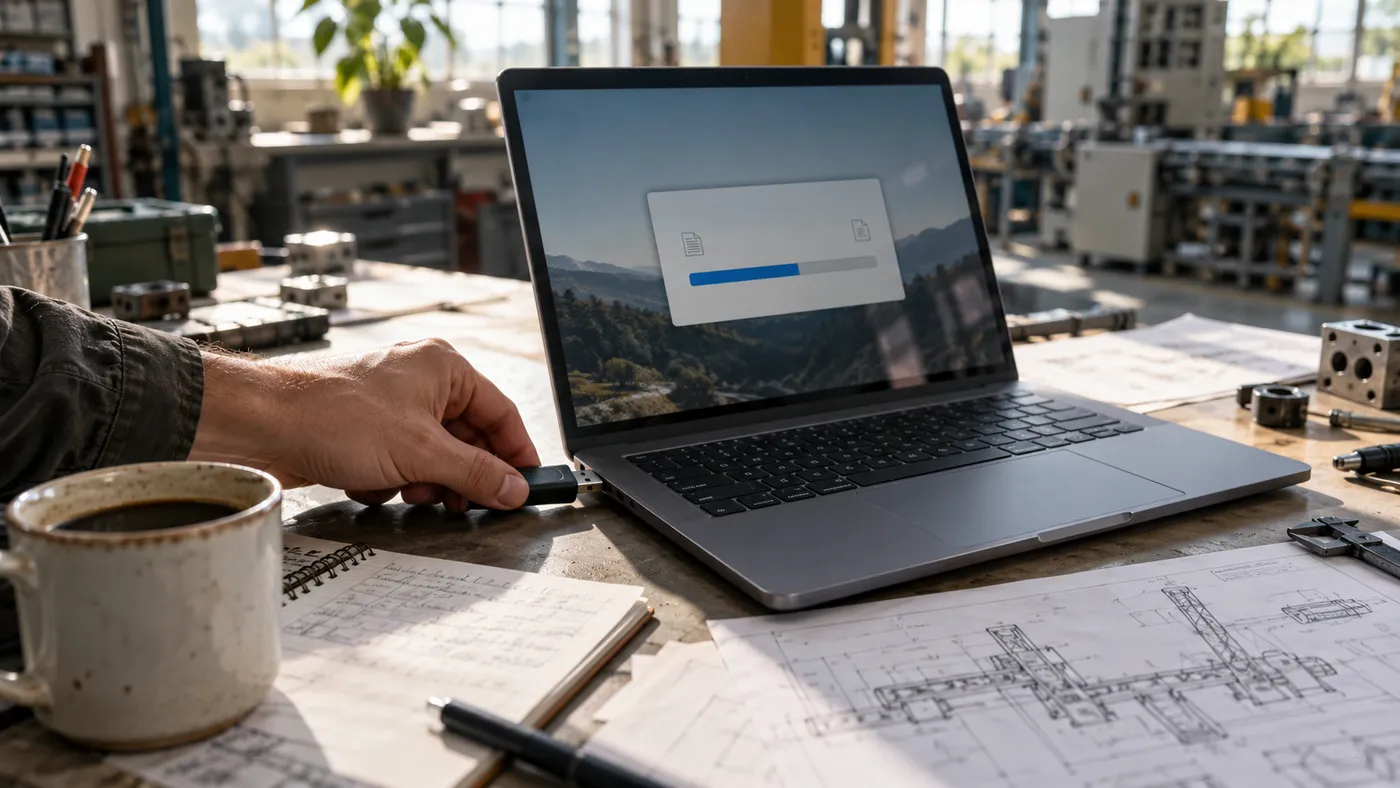
If your factory relies on a large, complicated circuit network, first make a copy of your save. Open that copy in the updated game and check that everything still works. You can then investigate any problems without touching the original save. If you use a lot of mods, check their compatibility pages before installing the update.
How to back up your Factorio saves
On Windows, you can protect your saves in just a few minutes:
- Close Factorio completely.
- Press Win + R on your keyboard.
- Enter
%AppData%\Factorioand press Enter. - Copy the
savesfolder to another location. - Back up the
blueprint-storage-2.datfile in the same directory. - If you play with mods, make a copy of the
modsfolder as well.
The saves folder contains your saved games, while blueprint-storage-2.dat holds your personal blueprint library. The latter is especially important: Loading an older game save does not necessarily restore your blueprint library to an earlier state.
This is the usual location for Factorio's user data on Windows. On Linux, the files are generally under ~/.factorio; on macOS, they are under ~/Library/Application Support/factorio. Portable installations may use a different location.
Major changes to space logistics
Some of the most notable changes affect the space platforms at the heart of Space Age:
- Mixed-cargo rockets: A single rocket can now carry multiple types of items. You no longer need separate, fully loaded launches for every material required to build a small platform. This addresses one of Space Age players' recurring frustrations.
- Import from Any: Leave the import-source field empty and a platform can request items from any available source. This is particularly useful for fuel, ammunition, and repair packs.
- Platform-to-platform transfers: Space platforms can now request items from, and supply items to, other platforms in orbit.
- Circuit-network control: The space platform hub's requests can be managed through the circuit network. A new radar mode also lets planets and platforms exchange signals over a shared channel.
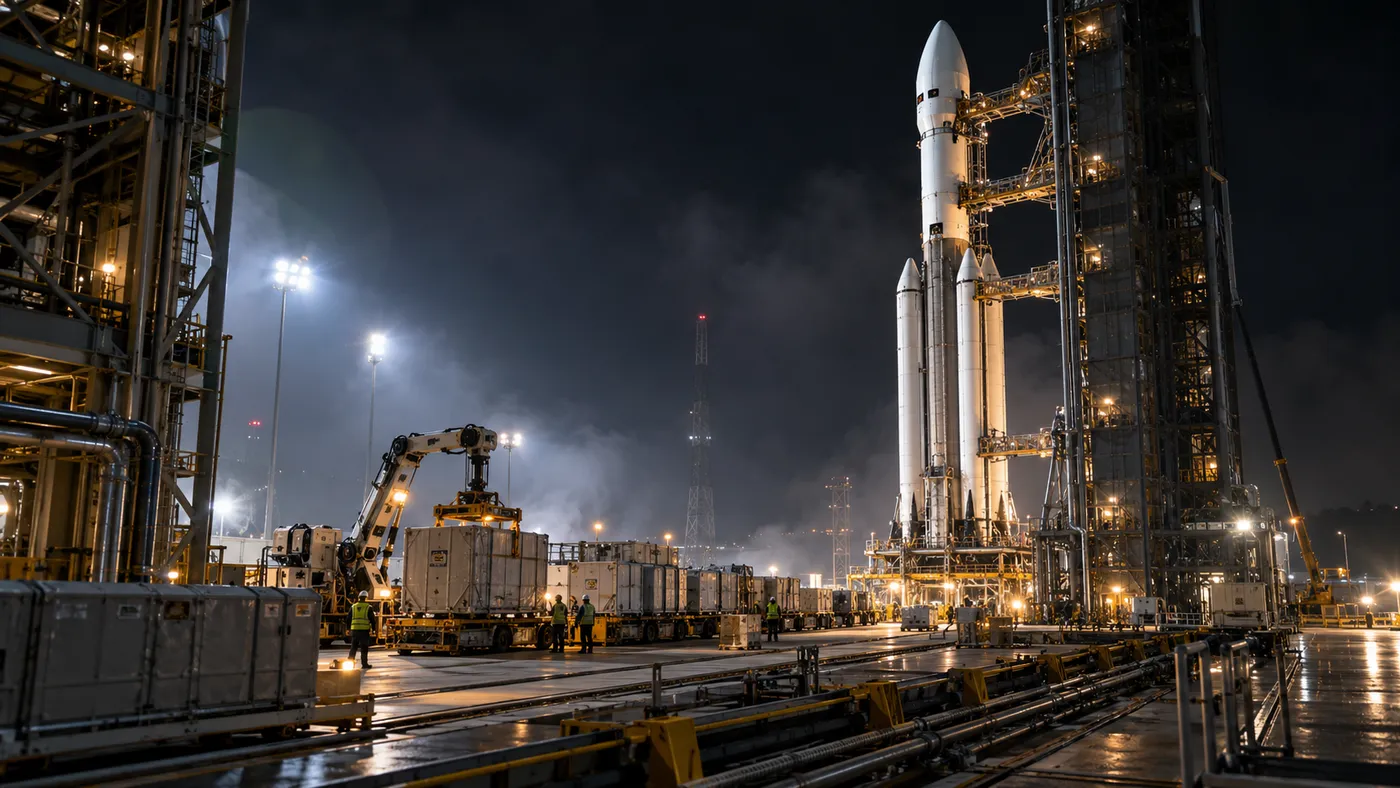
Platform movement and damage have changed, too. Asteroid collision damage now depends on an asteroid's remaining health rather than its speed, making damage more predictable. Damage to stationary platforms has also been greatly reduced, so parking a platform in Vulcanus orbit is far less punishing. Meanwhile, platform drag is now based on mass instead of width. Long, narrow "pencil ships" are no longer the only way to achieve high speeds.
There's also a new landing-pad unloading bay. Placed within a limited area around a Cargo Landing Pad, it allows inserters to transfer arriving items directly to trains, chests, belts, and other compatible destinations.
Changes for players who love—or dislike—Quality
Quality, one of Space Age's more divisive mechanics, has received several changes:
- You can now play Space Age without Quality. The Recycler has been separated into its own mod, while Quality is now a "Recommended" dependency enabled by default. Players who don't enjoy the system can turn it off.
- Higher-quality trains: Quality locomotives offer better acceleration and higher top speeds, while cargo and fluid wagons gain more capacity.
- The "space casino" is closed: Quality modules can no longer be used in asteroid reprocessing recipes, ending a popular strategy for producing high-quality materials.
Long-awaited smaller fixes
Factorio 2.1 also addresses several issues that have frustrated players for years:
- Circuit network: Reading and writing signals can now be assigned to different wire colors. Labs can select research based on circuit conditions, while boilers, pipes, and heat exchangers can be connected to the network. Even land mines can serve as tripwires and enemy detectors.
- Fluids: Protection against accidentally merging pipelines carrying different fluids has returned. Pumps and certain one-way connections remain exceptions. Fluid flow also scales more reliably in high-throughput systems.
- Flipping: Pumpjacks and burner mining drills can now be flipped. Flipping blueprints also preserves their intended item-drop behavior.
Enemy expansion behavior has been reworked as well. Expansion groups now scale with evolution, creating more meaningful threats instead of numerous tiny, irritating nests. Exploring the map early no longer reduces enemy expansion near your base.
On the visual side, assembling machines, the oil refinery, rocket silo, and heat exchanger have received new artwork. Planets are now visible in the backgrounds of space platforms, too.
Running a Factorio server on a Raspberry Pi
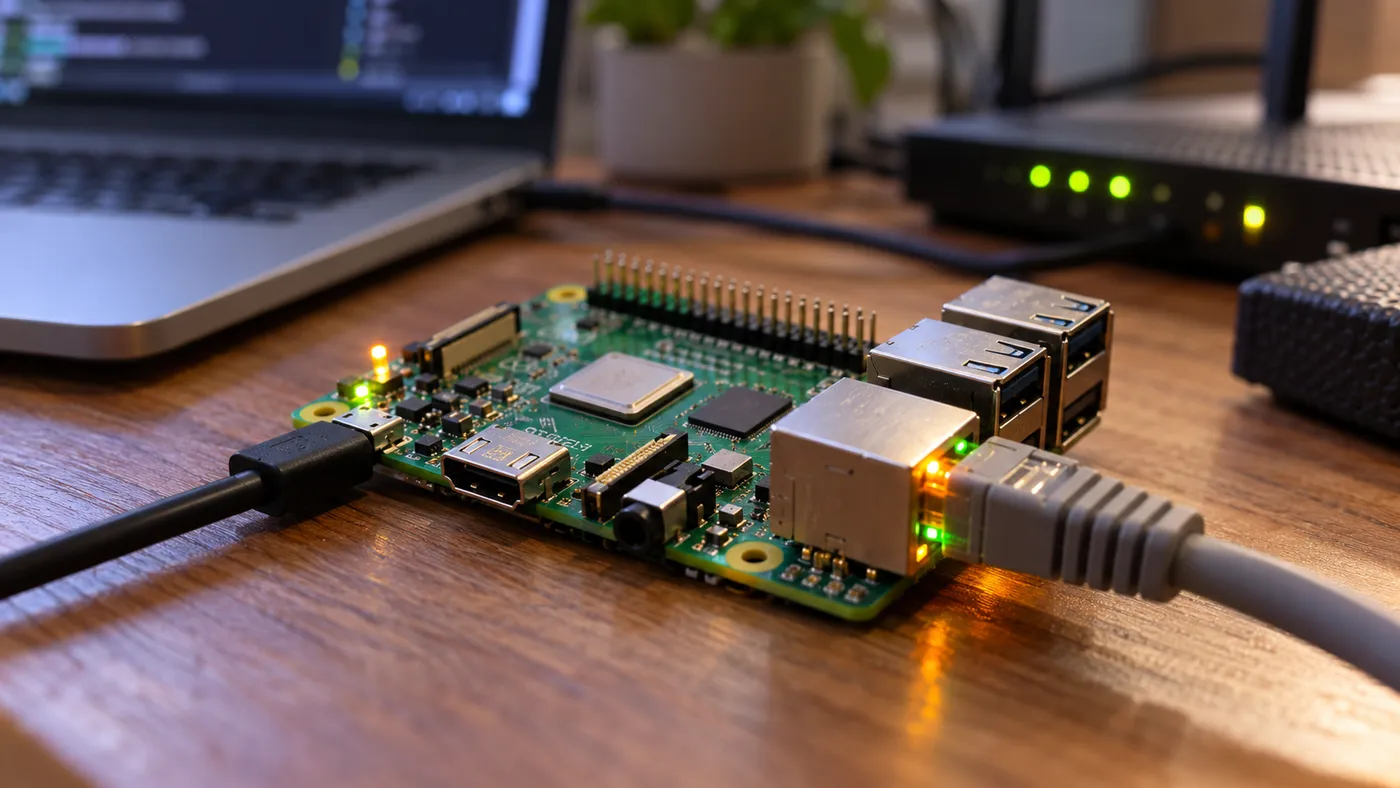
There's an interesting addition for technically minded players: Factorio now runs natively on ARM64 Linux systems. According to Wube, that includes Valve's Steam Frame and Apple Silicon MacBooks running Asahi Linux. A Raspberry Pi cannot run the game with its graphics interface, but it can host a headless Factorio server for you and your friends.
Should you update?
If you're starting a new game or haven't reached the Space Age content yet, 2.1 offers a better experience in almost every respect. Mixed-cargo rockets, in particular, make supplying your first space platforms significantly easier.
If you've spent hundreds of hours building a factory packed with complex circuits, or if your playthrough depends heavily on mods, there's no need to rush. Back up your files, confirm your mods work with 2.1, and test the update on a copy of your save first.
In a sense, Factorio's story reaches a milestone with 2.1. Wube is one of the relatively few studios to have kept expanding and refining a game for so many years, and this is intended to be its final major update. But for players, the story is far from over. The factory must always grow.